
School management software that fits your staffing chart — not the other way round
Every school runs on people doing more than their job title says. A class teacher is also the hostel warden. The librarian looks after the sick bay. Someone from the office keeps the gate on sports day. School software usually fixes what each role can see at setup, so those people either work around it or wait for a support ticket.
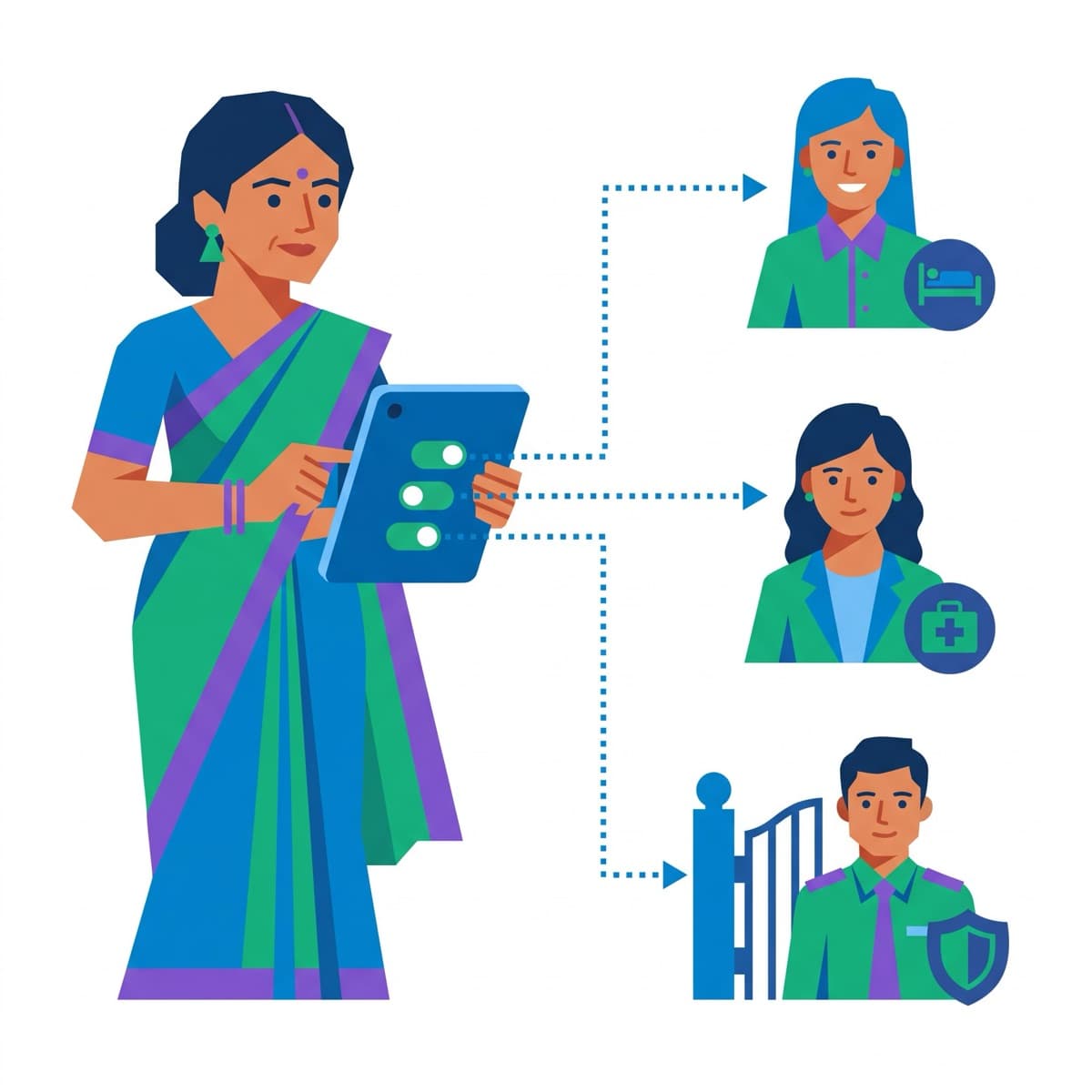
In SkoolBook the Principal opens Staff access, picks the person and the module, and it is there on their next screen — on the web and in the app. Switching it off is the same one step, and it takes effect at once.
What you get
Any module, to any member of staff
Clinic, gate and visitors, hostel, fees and finance, admissions. Give one to a single person, optionally until a date, without changing their role for anything else.
Exactly the reach of the job they cover
Fees is the accountant's desk — and approving fee structures, concessions and refunds stays with the office. Admissions approval of a discount stays with the Managing Director. The gate and admissions do not open the student roster; the clinic, hostel and fees do, because they need it.
Recorded, and switched off at once
Every module given is recorded with who gave it and when — and a module cannot be given without that record. Only the Principal or Super Admin can give one, never to themselves and never to a parent or student login.
Responsibilities for the day, too
Beyond modules: hand an absent teacher's register to a colleague for the day or the week, let an assistant mark alongside the class teacher, or give the front desk the day's absences to follow up.
How it works
- 1
Open Staff access
In the admin area, the Principal sees who has been given which module.
- 2
Choose the person and the module
Pick a member of staff and a module — with an end date if it is only for a term.
- 3
It is there on their next screen
The module appears in their menu and their app; switching it off removes it just as quickly.
Frequently asked
Who can give a module to someone?
Only the Principal or the Super Admin. Office staff can see who has what, but cannot change it. Nobody can give a module to themselves, and a module can only go to someone on the staff register — never to a parent or student login.
If we give a teacher Fees, can they see salaries?
No. Fees is the fee desk — collecting fees, receipts, bank reconciliation, refunds that have been approved. Payroll is a separate module and is not part of it. Approving fee structures, concessions and refunds also stays with the office.
Does it work in the mobile app?
Yes. A module given to someone appears as a tile on their app's home screen with the same controls they would have on the web.
Which modules can be given today?
Clinic, gate and visitors, hostel, fees and finance, and admissions. We add a module to this list on the day the module's own screens and rules support a holder — not before.