
A student attendance management system teachers can finish in under a minute
Attendance software fails for one boring reason: it takes too long. If marking a section costs a teacher three minutes of loading screens, it gets done at the end of the week from memory, and the data is fiction by the time anyone reports on it.
SkoolBook loads the section roster and marks it in one pass. The value isn't the feature list — it's that the register is actually accurate, because being accurate stopped being a chore.
What you get
Section-wise rosters
A teacher opens their section and marks it. No searching, no filtering, no picking the right class from a list of three hundred.
Per-student history
Every student's attendance record is queryable over time, so a pattern is visible long before it becomes a problem worth a phone call.
Reports for the people who need them
Attendance reporting is available to staff by section and period, so shortfalls surface before an exam board asks about them.
Parents see it without asking
The attendance a parent sees is the same record the school holds — which removes an entire category of dispute.
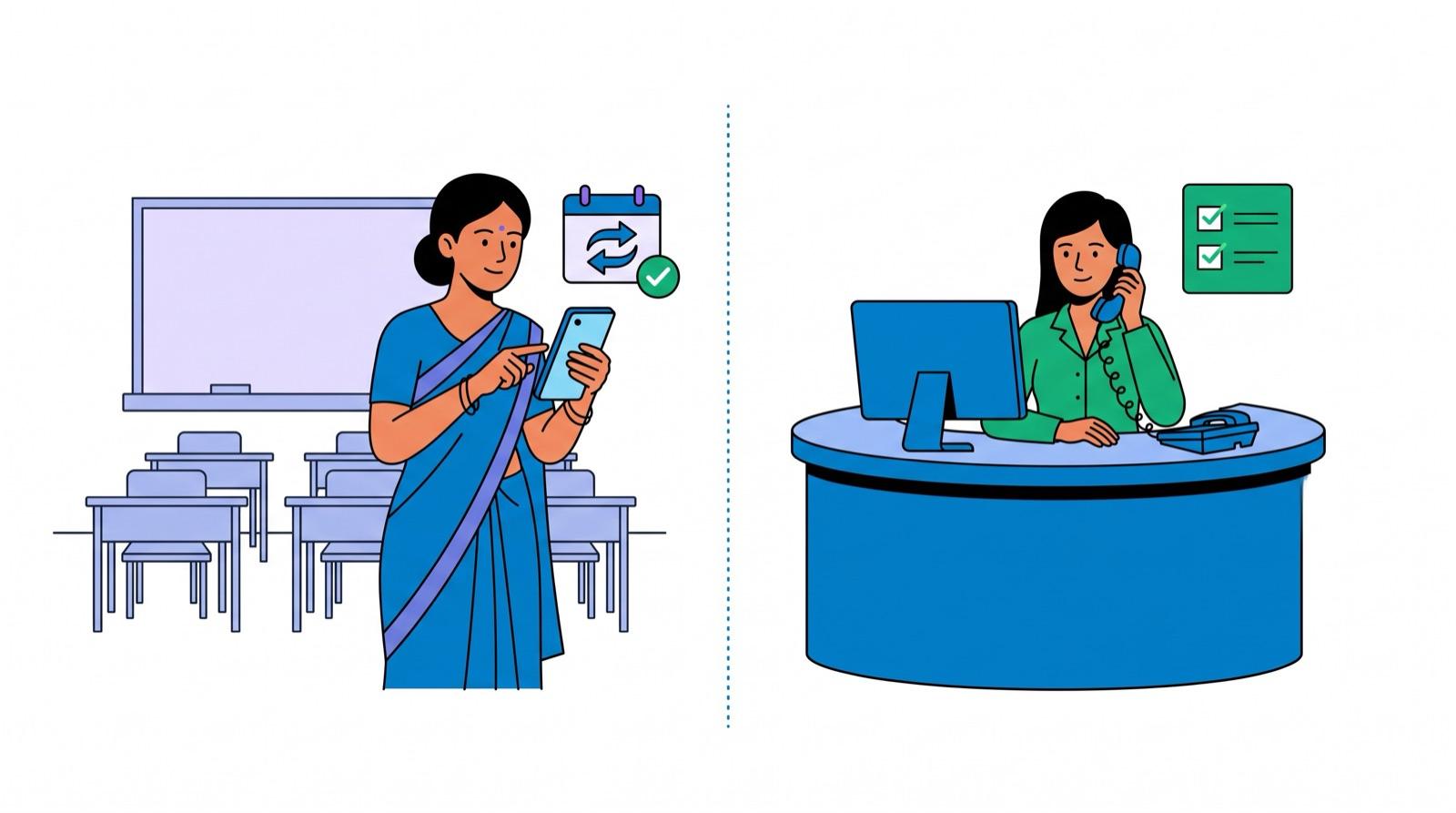
Cover and assistant registers
When a teacher is away, the office gives their class to a colleague — for the day, or up to a week. An assistant teacher can mark alongside the class teacher. Each duty has a start, an end and a name against it.
Absences followed up, not just recorded
The front desk — or anyone you give the task — sees today's absent children with the parent's number, and records each call: confirmed absent, reached the parent, or no answer.
You decide when parents hear
Each campus chooses whether an absence alert goes out at once or waits up to an hour while the front desk checks. A corrected register cancels the alert; a confirmed absence sends it straight away.
How it works
- 1
Open your section
The teacher's own sections load directly; there is nothing to search for.
- 2
Mark the roster
One pass through the list. That's the whole interaction.
- 3
It's immediately visible
Staff reporting and the parent view both read the same record straight away.
Frequently asked
Does SkoolBook support biometric or RFID attendance devices?
Not today — attendance is marked in the app by the teacher taking the class. If device-based attendance is a hard requirement for your school, tell us during the demo and we'll be straight with you about timelines rather than promise an integration that doesn't exist.
Can parents see attendance in real time?
Yes. Parents read the same attendance record the school holds, in the portal and the mobile app, as soon as it is marked.
What happens when the class teacher is absent?
The office gives that class's register to a colleague from the Responsibilities screen — for the day, or up to a week (your campus sets the limit). The covering teacher sees the class and can mark it, and the cover ends on its own when its dates run out.
Can the office check before a parent is told their child is absent?
Yes — if your campus turns it on. An absence alert can wait up to sixty minutes while the front desk calls home; it is sent when they confirm the absence, when they reach the parent, when they choose to send it, or when the time runs out. It is off by default.
Can we report attendance by section and by period?
Yes — attendance reporting is section-aware, and per-student history is available over any period you need to look at.